Build Like A Solo Dev, Ship Like A Team
GSD is the orchestration layer that makes Claude Code reliable: explicit phases, sub-plan tasks, verification criteria, and fast feedback loops — without enterprise theater.
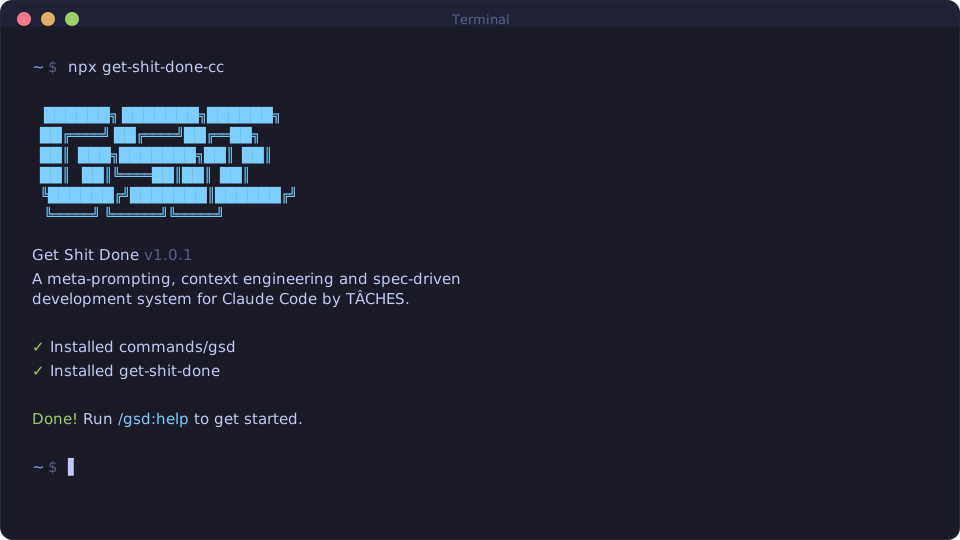
npx get-shit-done-cc
Works on Mac, Windows, and Linux.
Trusted by engineers at Amazon, Google, Shopify, and Webflow.
Why GSD Exists
Vibecoding has a bad reputation because quality degrades as sessions grow. GSD is designed to keep the “big picture” stable while letting Claude work in focused bursts.
- Plans are executable. Roadmaps turn into concrete tasks with measurable success criteria.
- Fresh context per task. Each atomic task runs in a clean subagent context to fight context rot.
- Verification is built in. Every plan includes checks (and human validation prompts when needed).
What You Can Do With It
Start New Projects Faster
Turn a vague idea into a roadmap with phases, deliverables, and verification checkpoints.
Ship In Tight Loops
Break work into atomic tasks, get clean commits as you go, and keep momentum.
Stay Oriented
State and progress commands make it easy to jump back in after a break — with context intact.
Supporting The Project
GSD is actively maintained and evolving quickly. If you want it to keep improving — or you want to help make it sustainable — there are several ways to support.
“I want to just go full-time working on GSD. I had no idea how I was going to do it, but my partner definitely was a little bit shocked when I was like, ‘Yeah, I’m all in on this thing that I’ve built and thousands of people are using it worldwide right now.’”
That moment starts at 14:12.
Next Steps
- Read the basics: start with Getting Started
- Understand the system: see How It Works
- Run a real workflow: use Commands as your reference